Showing posts with label hi8. Show all posts

Saturday, 18 September 2021

Banks and banks of humming machinery… the Sony EV-C500e

 So having unearthed yet more boxes of old tapes in storage I realised that I had more 8mm tapes than I thought. Most of them date back to the late eighties and early nineties, before I switched to using MiniDV and there is a lot of footage to capture if I’m going to archive them all.

So I’ve set up a capture station using a second Sony VRD, this one is an MC6 which is a slightly more compact unit that is small enough to sit on a shelf under my studio desk.

Initially I was planning to use one of my smaller Hi8 camcorders as a playback deck but then I found this Sony EV-C500e Hi8 video recorder going cheap on eBay.

The EV-C500e was a revised version of the EV-C100 first released in 1993 and externally it is almost identical to the earlier units.

The EV-C500e is a compact bookshelf style with front control panel including jog shuttle and rear connections for video and s-video in/out plus a lanc control point for use with editing controllers.

The supplied remote is a small RMT-V124c model which is similar to several other Sony handsets and is likely to be interchangeable with other models.


The model I bought seems to be in good condition with very little head wear and is fully working.  I cleaned the heads before putting it into operation and so far I’ve had no trouble apart from one of my oldest tapes which had some pre-existing damage that caused it to jam while forwarding and unspool, I had to open up the recorder to remove the tape.

I’ve connected the C500 and MC6 using RCA cables as the MC6 doesn’t have an S-Video connection.  Most of these 8mm tapes are being transferred to DVDR for archiving, but I can connect the C500 to my Blackmagic Intensity for S-Video capture on PC if needed.


 Overall I’m very pleased with this new addition to my editing station.  I love the dark grey colour scheme and the EV-C500e is built with the usual Sony quality so hopefully it will have a few more years of service left in it.  Not bad for a machine that’s almost 30 years old.


Monday, 30 August 2021

Dusting off the blank DVDs

The age old problem of tape based media is that they are fragile.  Tapes are so susceptible to damp, humidity, electromagnetic interference and even simply being stored in the wrong orientation (my top tip is don't ever stack video tapes on their side... always upright.)

Anyway, capturing analog footage onto pc, collating and editing it and laying out to portable hard drive or DVD has always been a bit of a slog.  It’s a job that I tend to put off for a rainy day, but of course I rarely get around to it.  However I’ve realised that some of my old tapes are getting on for 30 years old, and it’s only a matter of time before they succumb to tape rot.  I needed to find a solution for quickly and easily archiving that old material.

And this is where the portable DVD recorder comes in.  I spotted this old Sony VRD model on eBay for less than £35 and snapped it up.  The VRD-MC series was first issued around 2006 and was designed to allow for quick and east transfer from camcorders and video recorders to DVD.  It’s basically a PC-DVDR drive in a case with a small LCD screen.

Mine is a second generation VRD-MC3


The MC-3 appears almost identical to the earlier MC-1 and it’s not immediately obvious what features changed between the models.  For the MC-3 the only real difference is the addition of a USB connector to allow direct docking with Sony branded HDD and DVD Handycams.

The MC-3 features a simple interface with settings for various footage sources, you simply select the appropriate source (e.g. ‘Analogue Video to DVD’) stick in a blank DVD and press play on the camcorder and hit the record button.  That’s it.  The lcd screen lets you keep an eye on the footage while it’s transferred and when the capture is finished you can either finalise the disc or add more footage by connecting another source and pressing the record button again.


The VRD-MC-3 has connections for analog/phono connectors and s-video as well as an iLink 1394 connection for DV cameras.  The system only supports Standard Definition video so it won’t be any use for transferring HDV.  There are slots for Sony Duo memory sticks, SD cards or Compact Flash.


I used Sony branded DVD+R discs to make sure I had the best compatibility with my living room DVD player as well as PC.  These discs seem to be getting a bit more expensive these days but hopefully they won’t disappear from the market for a few years yet.

So if you are looking for a quick and easy method to archive old analogue tapes, without the hassle of booting up the PC, or you want to transfer some iLink MiniDV footage then it would be worth picking up one of these recorders.

I’d recommend either the MC3 like mine or the slightly later MC5 as both of those models feature the S-Video connector.  The MC6 doesn’t support S-Video and is particularly low on features compared to the earlier models.  However the final model the MC10 does support S-Video so clearly there were a lot of complaints about the MC6.


The VRD-MC-5 (Pictured above) features an S-Video connector.


The VRD-MC-10 (Pictured above) was the final model in the series.  It added some extra functionality for the DVD menus and reinstated the S-Video connection which was missing for the MC6. The casing is slightly more compact and the plain black colouring is perhaps a little more hi-tech looking than the earlier white/black versions.


Monday, 19 July 2021

Clean over my heads...


Among my many camcorders are a couple of Sony V90e models, these were one of the early Video8 camcorders when they were still fairly large and bulky machines, before the smaller tape formats and palmcorders became available.

The V90e is the same type of camera used in the Steven Soderburgh movie ‘Sex, Lies & Videotape’ and famously pictured in the promotional materials for the movie.

Neither of mine has worked in decades, but on a whim I decided to see if I could resurrect them.  One of them was in good shape cosmetically but tape playback was really choppy with lines all over the screen.


I had assumed the problem was a tracking issue, which would need some specialist equipment to fix, but I thought I might try clearing the heads to see if that helped.

I bought some chamois cleaning swabs with bendable plastic handles (these are much better than cotton swabs as the cotton ones will tend to leave fibres on the recording heads) and set up a clean space to open up the camera.


In order to reach the heads for cleaning I had to remove the tape door cover, which is held in place by a couple of tiny screws.  Removing the screws allows the cover to slide up and off the frame, leaving the tape transport and heads exposed.

I coated a swab in isopropyl (from a vhs head cleaning kit) and then held it gently against the head drum while slowly rotating the heads in an anti-clockwise direction.  I used latex gloves to avoid adding grease or fingerprints to the heads.

After doing this a couple of times I reassembled the camera, hooked up the power and inserted a tape.


Incredibly the cleaning did the trick.  The picture playback was now almost totally clear, with only an occasional flicker in the playback.  The camera still has a few visible bits of dust and lint inside so I expect I will need to repeat this process at some point, but I’m really pleased with the results of my first ever attempt to clean heads without a cleaning tape.

If you have an old camcorder that won’t playback cleanly then it might be worth trying this method to see if it fixes the problem.


Friday, 16 July 2021

The thin black line


They don’t make ‘em like they used to.  I’ve acquired a lot of different cameras over the years and most of them end up sitting in storage once they’ve been replaced.  I used to spend hours editing tape-to-tape back in the days before capture cards, stacks of S-VHS and M2 tapes, then once non-linear editing arrived I’d spend hours digitising tapes onto the hard drive, and then finally I moved to digital card-based DSLR cameras and I thought I was finished with tapes.

But it’s funny how time changes things, and here I am wading into the old-school tech once again to resurrect some old projects and maybe even give some old cameras one last outing before they finally succumb to the ravages of time.  Nothing lasts for ever and an analogue video camera is no exception.

I’ve got a bunch of different examples stacked in boxes and camera bags, with at least one model from each of the main consumer formats and some of them are still surprisingly capable despite their low resolution capture.

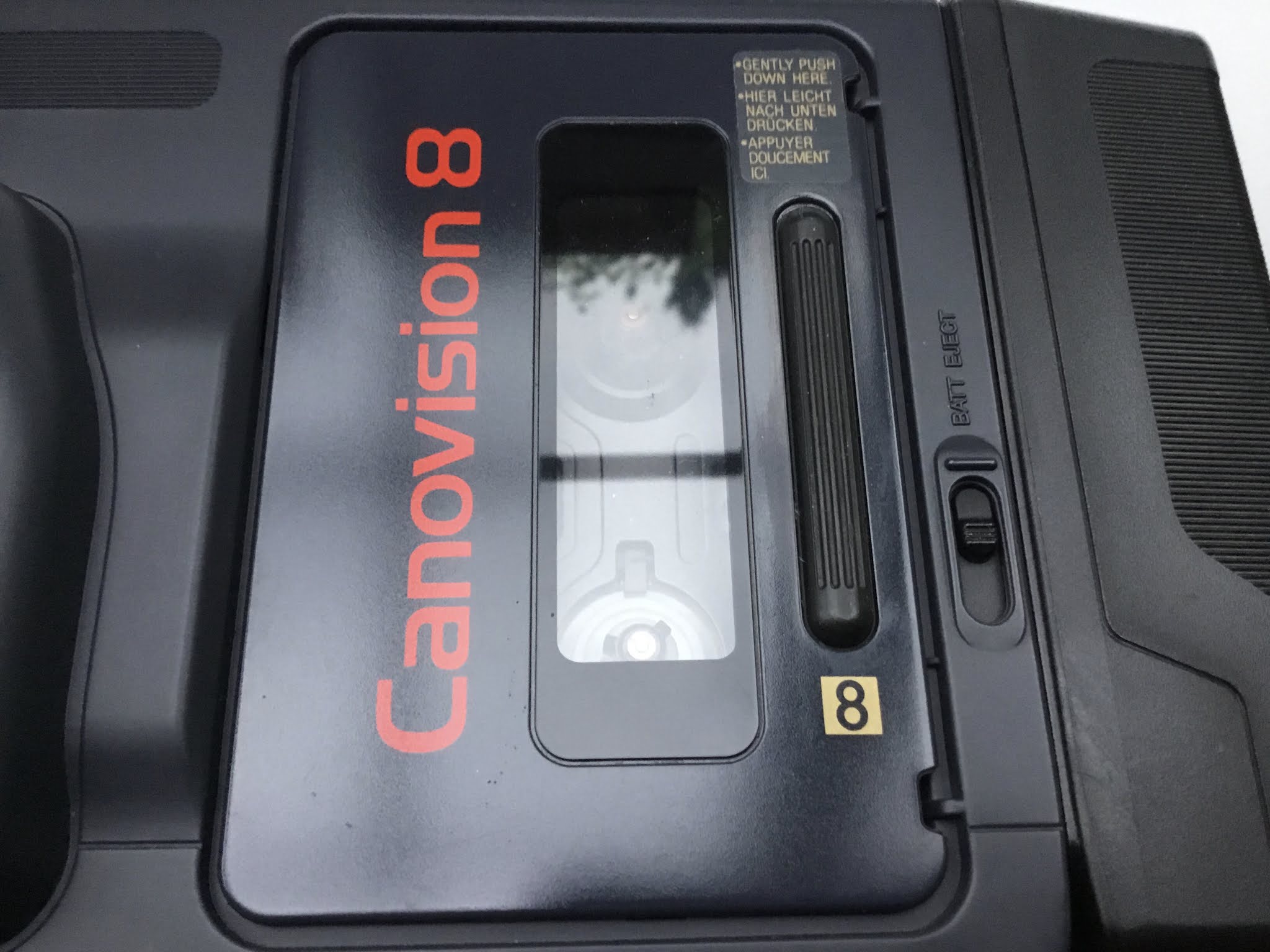
The challenges of shooting with these old cameras are mostly caused by a lack of modern niceties.  You don’t get things like histograms, focus peaking or crisp lcd monitors on these old cameras, in fact for something like this Canonvision VM-E2 you don’t even get a colour viewfinder let alone a useable focus screen.  Flick it into ‘auto focus’ and hope for the best.

I’m very curious to see how the footage holds up against more modern cameras, even a cheap mobile phone will probably have a better sensor than one of these old machines, but there is still something to be said for taking a stroll down memory lane and in this age of Terrabyte micro-sd cards and 128,000iso sensors running 8k resolution it’s weirdly refreshing to have nothing but an old analogue camera with a ccd and a spool of magnetic tape in the camera bag.  I wonder how long it will be before I remember why I upgraded in the first place? :)


Tuesday, 6 July 2021

Blackmagic... Intensifies

So the plus-side and the downside of clearing out storage boxes is you find all sorts of filmmaking projects and things that you forgot existed or thought were lost. I’ve unearthed a bunch of old old projects from the 90’s including the master tapes for a short film I made in college.  

Naturally I started thinking about what to do with them, and I had the idea that maybe, just maybe it would be possible to convert these old analogue formats over to digital and try doing a ‘directors cut’ with better grading etc.

So that led me down a rabbit hole of jerry rigging old VCRs and DV cameras to try and get the footage in via FireWire, and it worked, I can get these old analog tapes copied to MiniDV and then do a standard EEE 1394 cable transfer.  So far so good.

But then I started thinking what if there is a better way to do it?  One without the intermediate DV compression step?

So it turns out that Blackmagic make this Intensity Pro capture card which accepts analog inputs including S-Video which should (should) be cleaner than converting to DV using the cameras internal hardware.

My shiny new Intensity Pro 4k card arrived this morning.  Time to get out the toolkit and get it installed.